How PostMySkill works
Everything you need to know about using PostMySkill — from finding a Skillist to running live sessions.
Ask PostMySkill AI
Get instant answers about the platform, your account, and Live Sessions
Try asking:
Browsing Skills
Find the right Skillist for any task.
Posting a Skill
List your expertise and start getting enquiries.
Posting a Project
Describe what you need and let Skillists come to you.
Enquiring
Reach out to Skillists and discuss your needs.
Reviews
Build trust through honest feedback.
Featured Skillists
Get more visibility with a Featured subscription.
Verification
Prove your identity and build credibility.
Community
Connect, share, and learn with other members on the Community feed.
Competitions
Win prizes and recognition.
Notifications
Stay up to date with activity on your account.
Account & Settings
Manage your profile, privacy, and preferences.
Achievements
Earn badges and recognition for your activity on PostMySkill.
Business Accounts
Register your business, post projects, and manage your business presence on PostMySkill.
Skill Exchange
Run and join live video sessions directly on PostMySkill.
Achievements & Badges
Earn badges by being active, helpful, and excellent on PostMySkill.
Badges appear on your public profile and celebrate your contributions to the community.
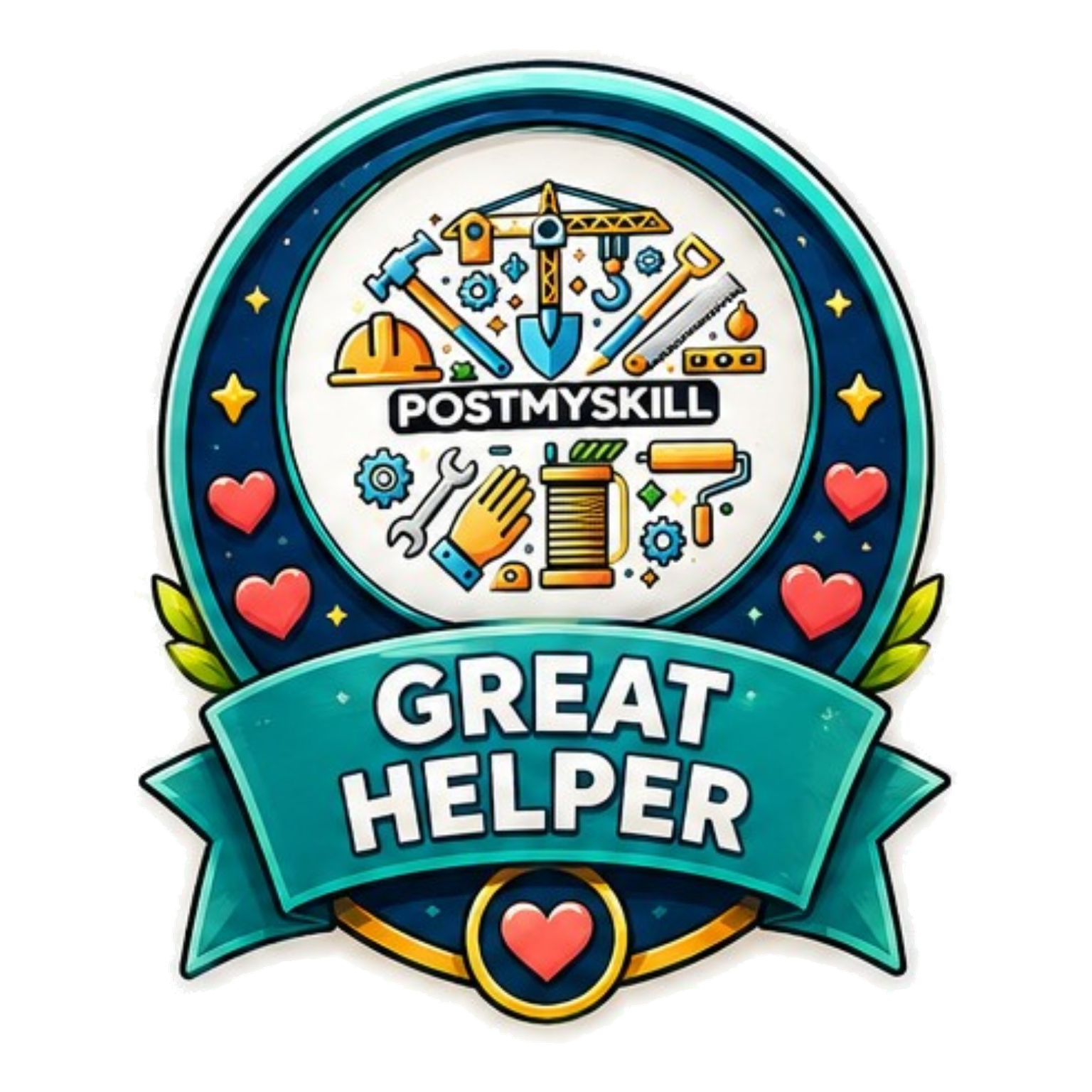
Great Helper
Awarded to Skillists who consistently deliver outstanding service.
Earn three approved five-star reviews.
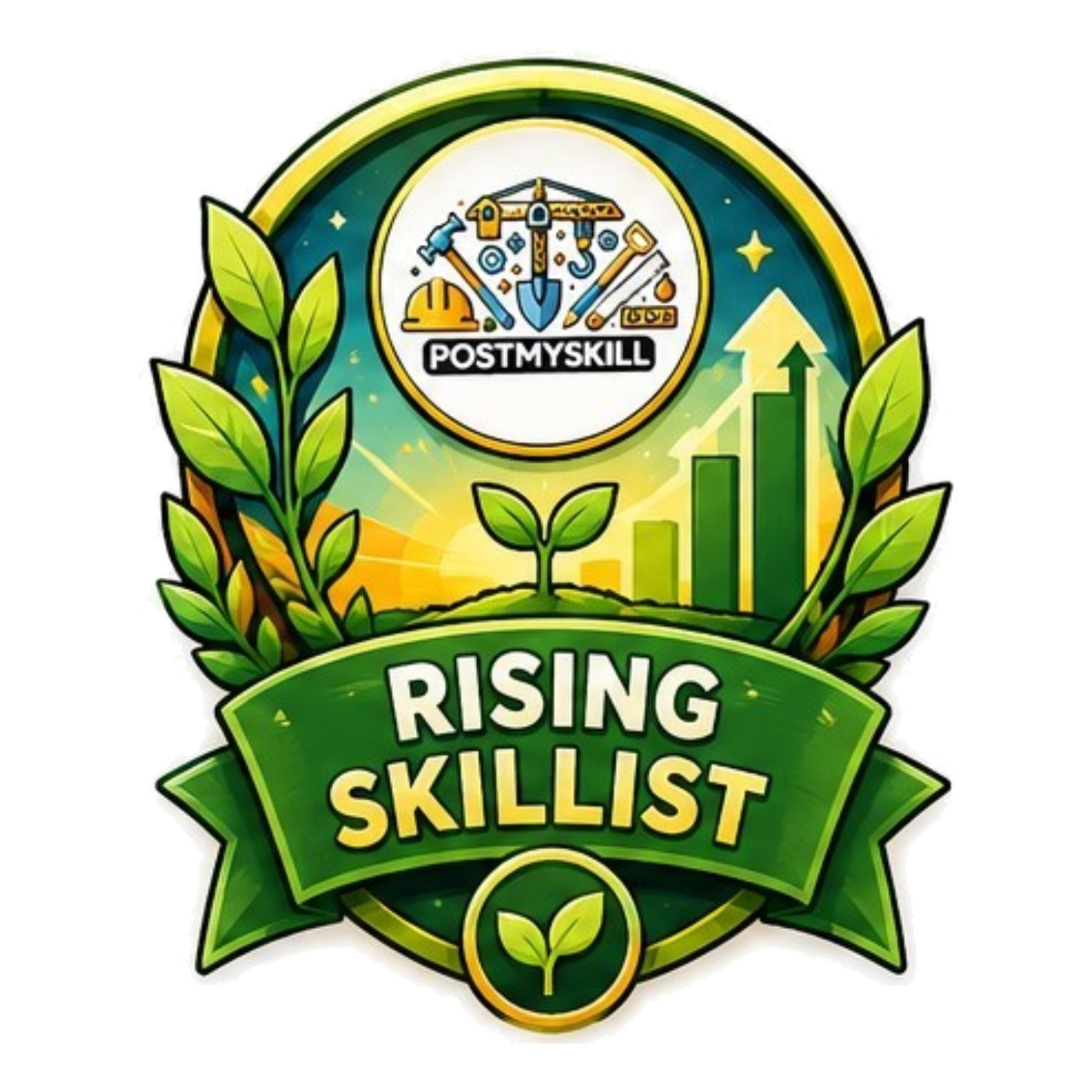
Rising Skillist
Recognises Skillists who are building momentum on the platform.
Receive your first approved review.
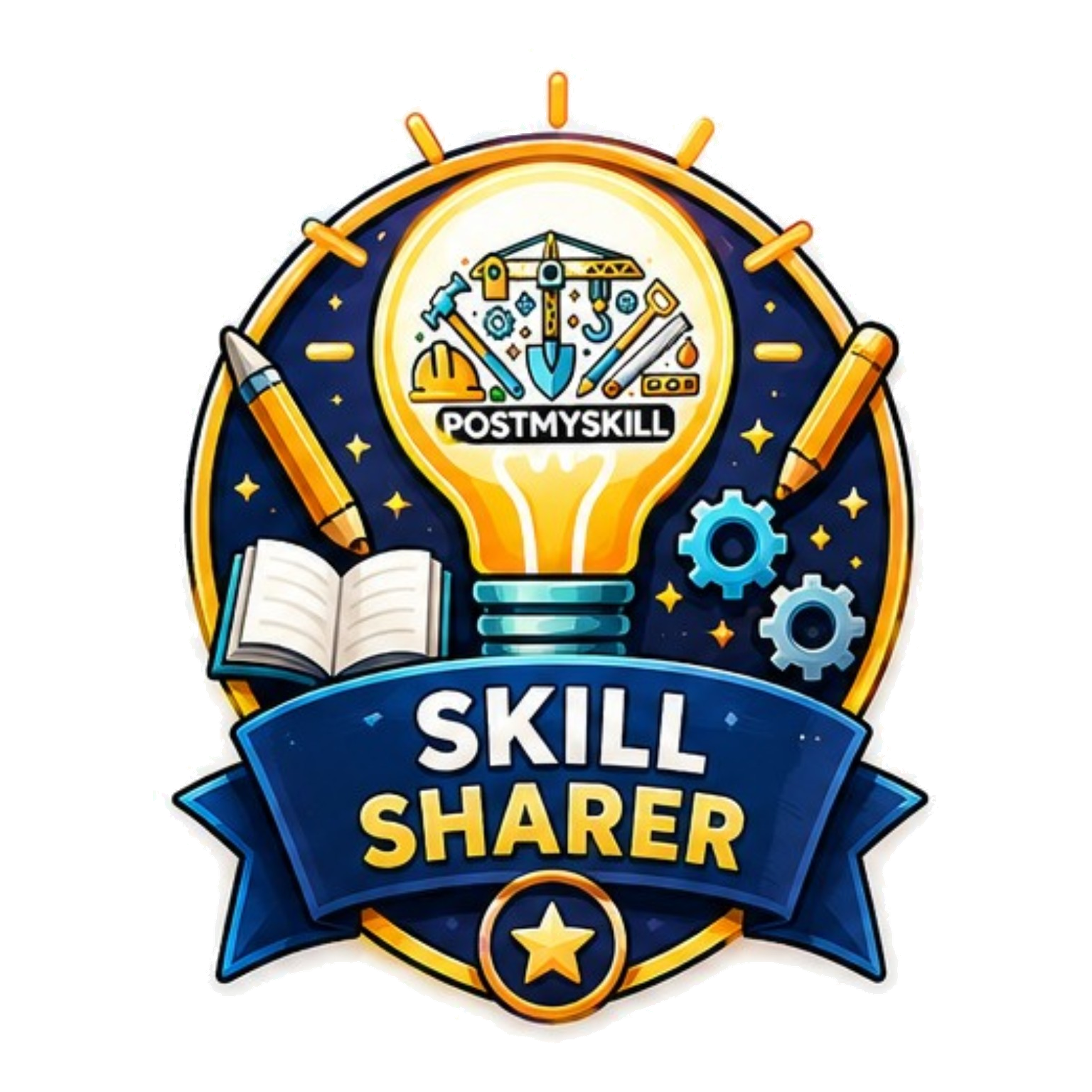
Skill Sharer
For members who actively share knowledge with the community.
Post ten or more posts on the Community feed.
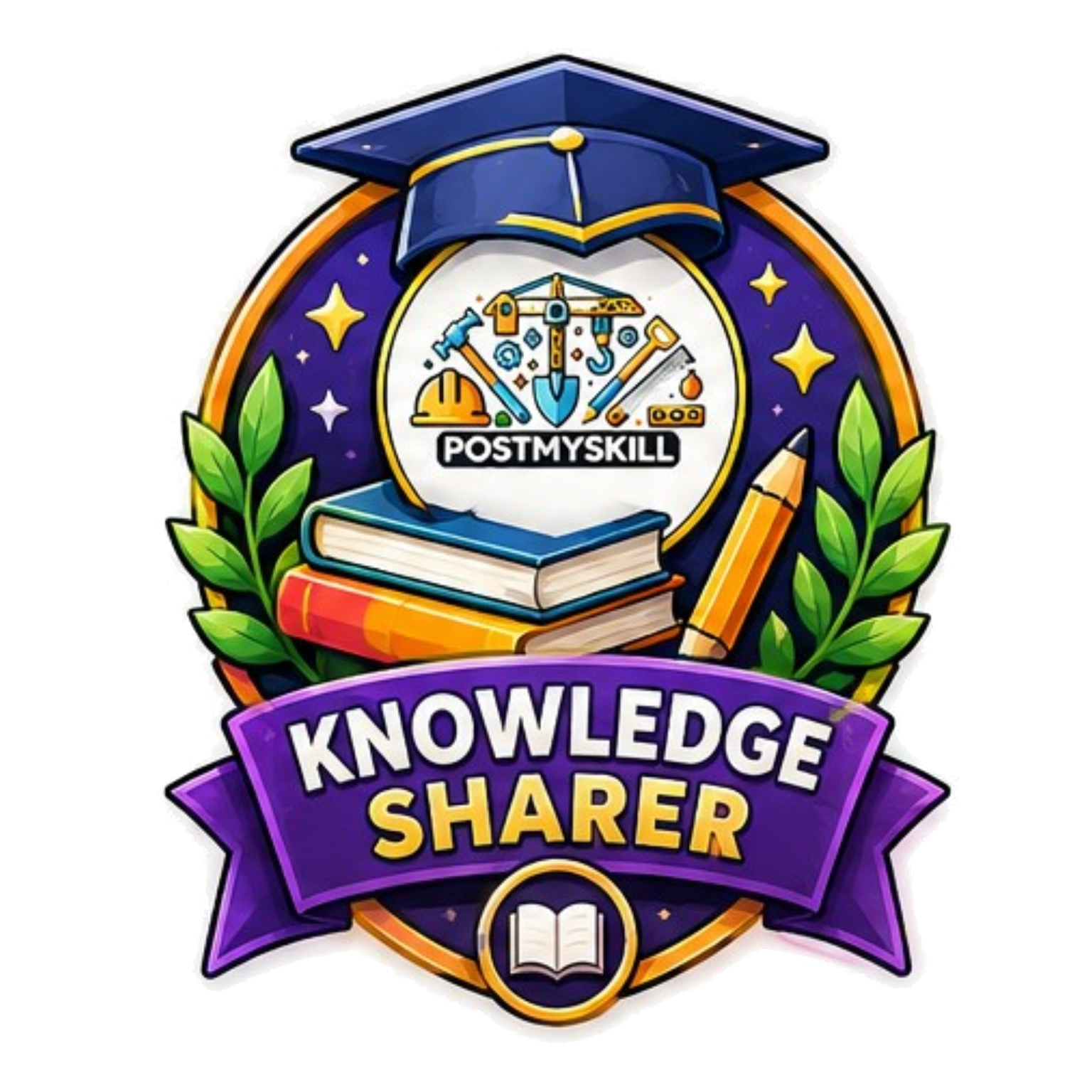
Knowledge Sharer
For members who go above and beyond in sharing expertise.
Post twenty-five or more posts on the Community feed.
Community Helper
Recognises members who actively support others through comments.
Leave twenty-five or more comments on the Community feed.
Skill Exchanger
For Skillists who have participated in live Skill Exchange sessions.
Complete your first Skill Exchange session.

First Connection
Awarded when you make your first connection on PostMySkill.
Follow or be followed by another member.
30-Day Skill Journey
Celebrates members who have been active on the platform for a full month.
Be an active member for 30 days.

Featured Skillist
Awarded to Skillists with an active Featured Skillist subscription.
Subscribe to the Featured Skillist plan.

Featured Business
Awarded to businesses with an active Featured Business subscription.
Subscribe to the Featured Business plan.
Identity Verified
Confirms that a Skillist's identity has been verified by PostMySkill.
Complete the identity verification process.
Skillist of the Week
A special recognition awarded each week to an outstanding Skillist.
Selected by the PostMySkill team.
Live Sessions
Real-time video sessions for skill sharing and collaboration
Live Sessions let Skillists host real-time video sessions that participants can join to learn, collaborate, or exchange skills. Sessions are managed from the Skill Exchange section of your dashboard.
Joining a session
Go to Dashboard → Skill Exchange → My Bookings. Click "Join Session" when the session is live. Your mic and camera are off by default — toggle them on once inside.
Hosting a session
Go to Dashboard → Skill Exchange → My Sessions. Create a session, then click "Start Session" when you are ready to go live. You can send broadcast messages and manage participants.
Adjourned sessions
An adjourned session is temporarily paused. Its status returns to "open" so participants can rejoin when the organiser resumes it.
In-session chat
Every session has a built-in chat. On mobile it opens as a sheet, on tablet as a drawer, and on desktop as a sidebar. Messages persist during the session.
Mic & camera controls
Your microphone and camera are off when you join. Use the controls in the session room to toggle them. Make sure your browser has permission to access them.
Skill Exchanges
Reciprocal skill-swap arrangements between two Skillists. Set your exchange preferences and match with others from the Exchanges tab in Skill Exchange.
Uploading videos
Where to upload, accepted formats, and recommended export sizes
File limits — all areas
Every video upload on PostMySkill shares the same limits: 250 MB maximum file size and 15 minutes maximum duration. Both limits apply independently — a video that exceeds either one will be rejected.
Accepted formats: MP4, MOV, and WebM, including HEVC recordings from iPhones and Android phones inside an MP4 or MOV container.
If your video is longer than 15 minutes or larger than 250 MB, export it at a lower bitrate or at 720p to bring it within the limits before uploading.
Where to upload
Community feed
Go to the Community tab and tap the post composer. Select the video icon in the toolbar to attach one video per post. Your video appears inline in the feed with the built-in player.
Go to CommunitySkillist portfolio
Go to Dashboard → My Profile → My Skills. Tap the portfolio grid for any skill and upload a video alongside your images. Each skill supports up to four portfolio items.
Go to My ProfileBusiness products
Go to Dashboard → Business → Products. Add or edit a product and use the video picker to attach one product video. The video appears on your public business product page.
Go to BusinessCompetition entries
Go to the Competition page when a competition is active. Use the Enter Competition button to open the upload modal. One video per entry; you can replace it before the competition closes.
Go to CompetitionRecommended export sizes
These are guidelines, not requirements. PostMySkill preserves your source aspect ratio and fits the video within the player. Choose the ratio that shows your work clearly.
| Use case | Recommended export | Aspect ratio |
|---|---|---|
| General feed posts, short tips, product showcases | 1080 × 1080 | 1:1 |
| Portrait demos and mobile-first clips | 1080 × 1350 | 4:5 |
| Full-height phone footage | 1080 × 1920 | 9:16 |
| Tutorials, screen recordings, wide shots | 1920 × 1080 | 16:9 |
Community feed posts display best in 1:1 (square) because square video fills more of the feed card than taller portrait footage. For portfolios, products, and competition entries, choose the ratio that best shows the work.
Still have a question?
Our support team is happy to help.